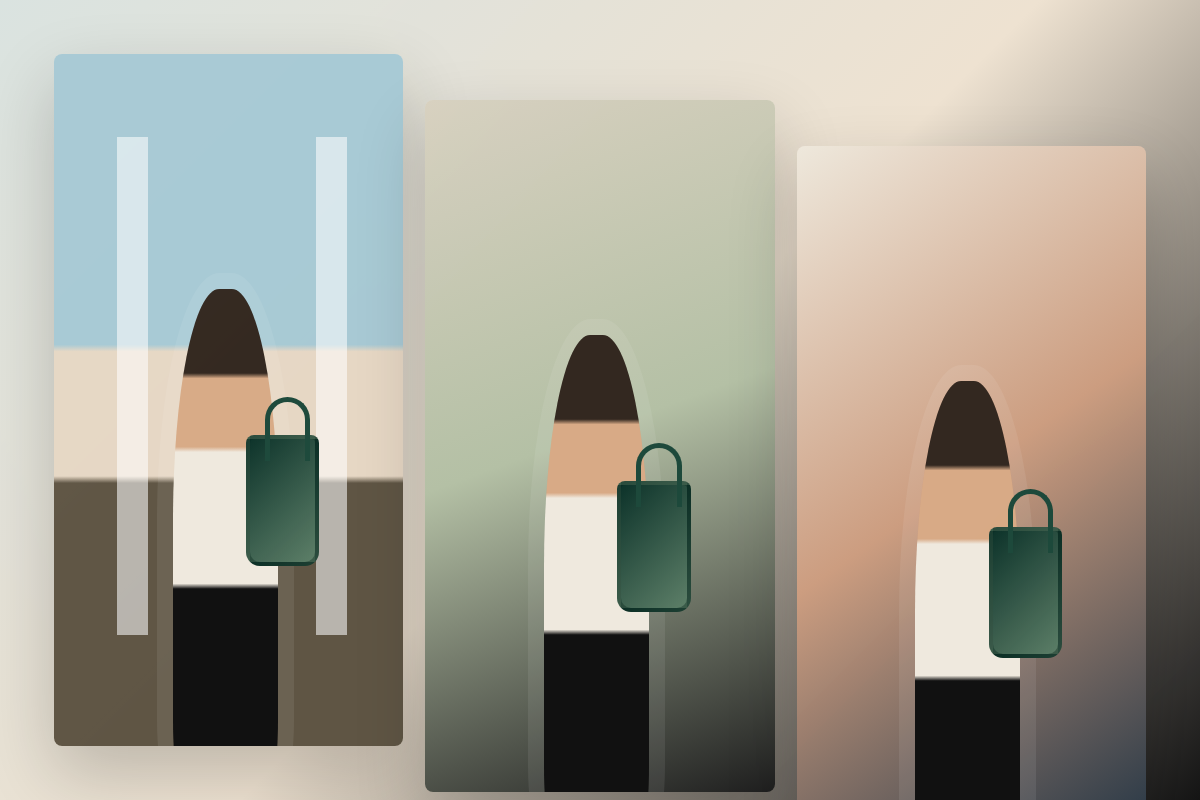
Custom fashion scenes
Build the campaign frame you have in mind instead of settling for what already exists.
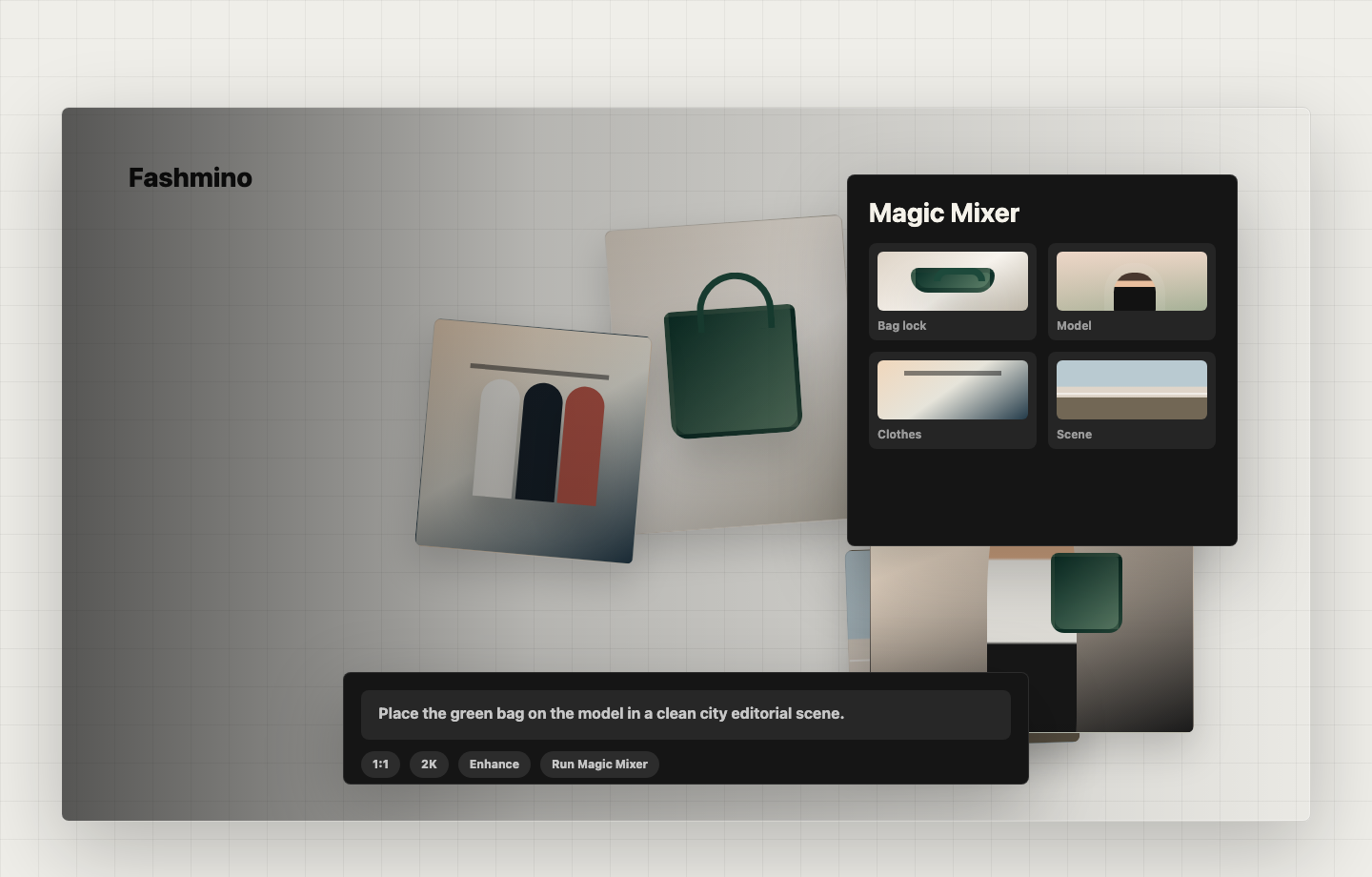
New Magic Mixer
Built around a new approach to present product, model, outfit, and scene work.
The new way
Design with new technology opens up which fashion ideas you can actually try. Now you can spend more time on the shots worth keeping.
Build the campaign frame you have in mind instead of settling for what already exists.
Swap bags, outfits, backgrounds, mood, and lighting without losing the product.
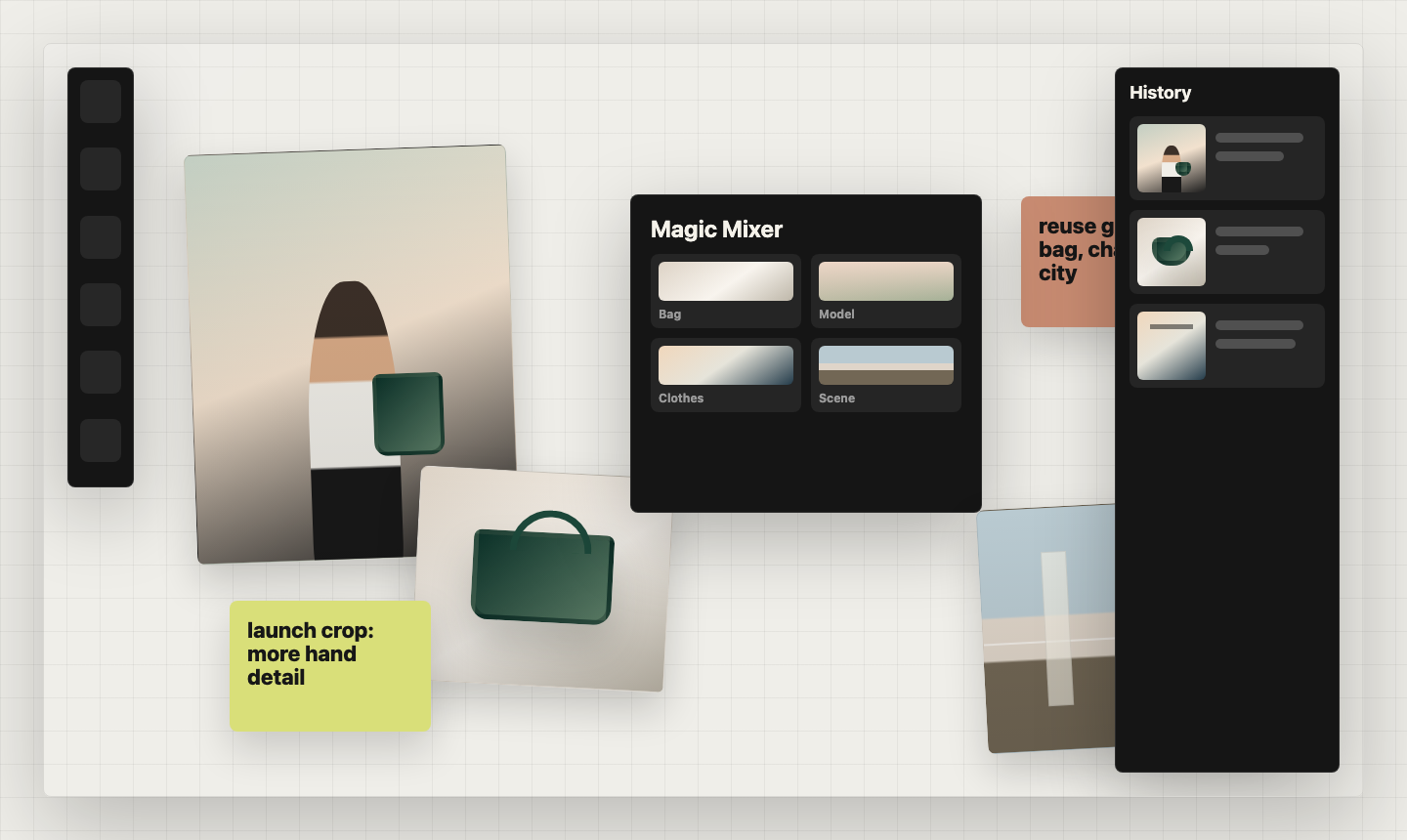
Combine bag, model, clothes, and scene references into one coherent fashion shot.
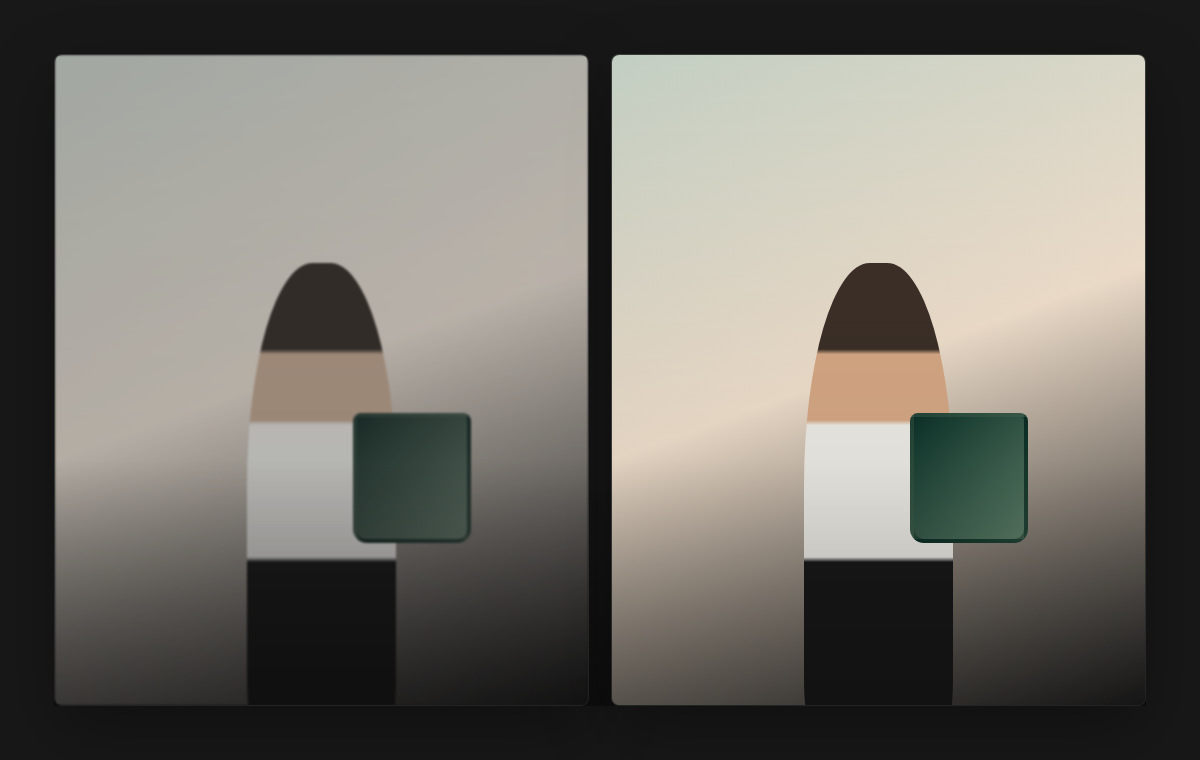
Upscale the keepers so campaign crops and shop assets hold up wherever they ship.
Get a strong starting point for bags, model styling, outfit references, and scene directions, then customize the parts that matter.
Turn saved boards into reusable campaign directions for every product drop.
Get startedOpen a canvas for every shoot direction. Keep raw references and generated options together.
Try product crops, model swaps, outfit changes, and scene directions side by side.
Bring images from the tools you already use and keep moving without import rituals.
Spend less time regenerating and more time shipping. Fewer throwaway shots, more keepers.
Prioritize silhouette, handles, material, hardware, logo details, and product scale.
Generate social, shop, and launch assets that stay clean after upscaling.
Save strong images, Magic Mixer recipes, libraries, and prompt notes for the next project.
Send a canvas link instead of exporting every half-finished direction by hand.
Start light or go all in. You can switch as your canvas work gets heavier.
For early users building real fashion image workflows
Private beta
For brands and teams that need more room to work
Custom
You used to hunt for the closest frame. Now you describe the shot, assign the references, and Fashmino builds the image.